Learn · Granular · LINTEL
How to turn a few bars of audio into a long texture
Granular stretching plays a recording back as a cloud of tiny pieces, so a few bars can become a pad, a drone or a wash of texture. Here is how to do it with LINTEL. The same approach carries over to other granular tools.
1. Put it where the sound is
Put LINTEL on an audio track or a bus and start your DAW’s transport. LINTEL makes sound only while the transport is running. Until something is captured, audio passes through unchanged. The install guide has the loading steps.
2. Capture a few bars
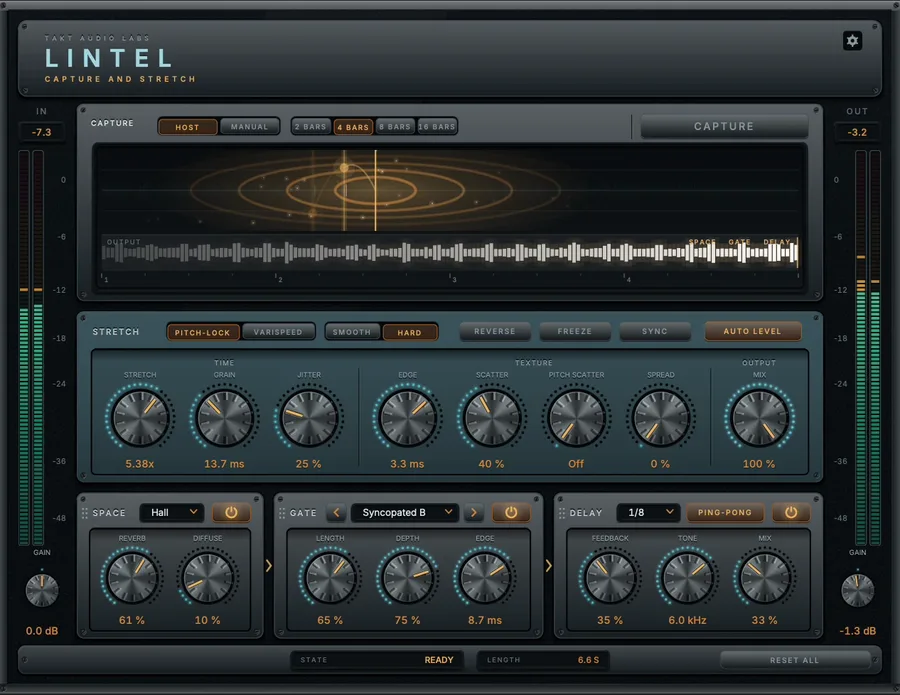
Choose how much to capture: 2, 4, 8 or 16 bars, locked to your tempo. With Manual selected, pressing Capture records at once. With Host selected, it waits for the next bar line of your DAW, so the capture starts on the beat. When the display shows READY, the stretched sound is playing.
3. Set the stretch
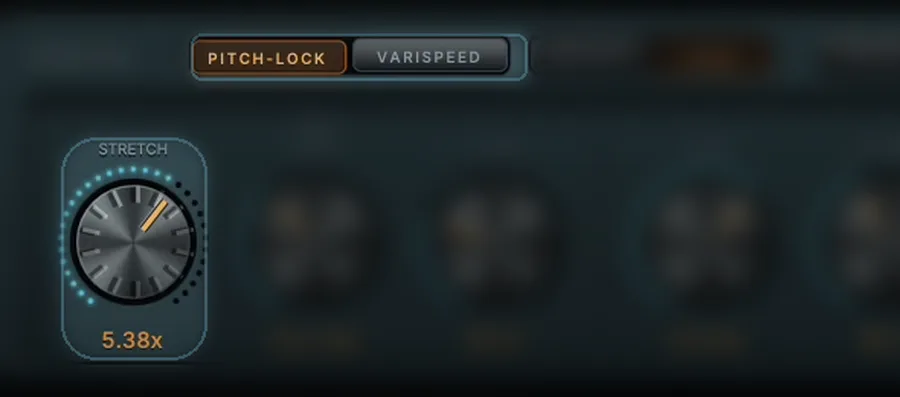
Stretch runs from 0.25x to 32x, and 1x is the original length. It starts at 4x. Below 1x the capture plays faster than it was recorded. Pitch-lock holds the pitch where it was while the sound lengthens. Varispeed lets the pitch fall as the sound gets longer, like a slowed tape. Sync snaps the stretch to a whole number of captures.
4. Shape the grains
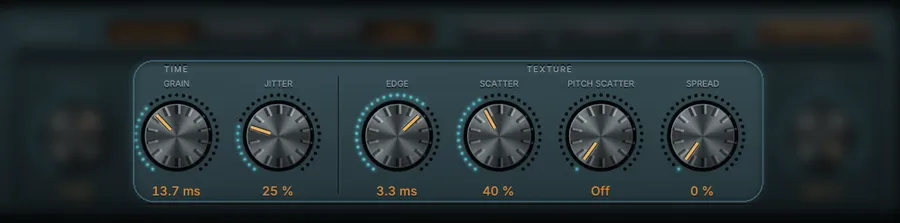
Grain sets the length of each piece, from 2 to 500 ms. Long grains blur and short ones sound grainy. Jitter moves each grain’s start by a random amount, which loosens the pattern, and Spread throws each grain to a different place in the stereo field. Scatter sets the chance that a grain is dropped or repeated, and Pitch Scatter detunes each grain by a random amount, up to 12 semitones. Freeze stops the read head, so the grains keep sounding from one spot in the capture, and Reverse plays the capture backwards.
5. Blend with the original
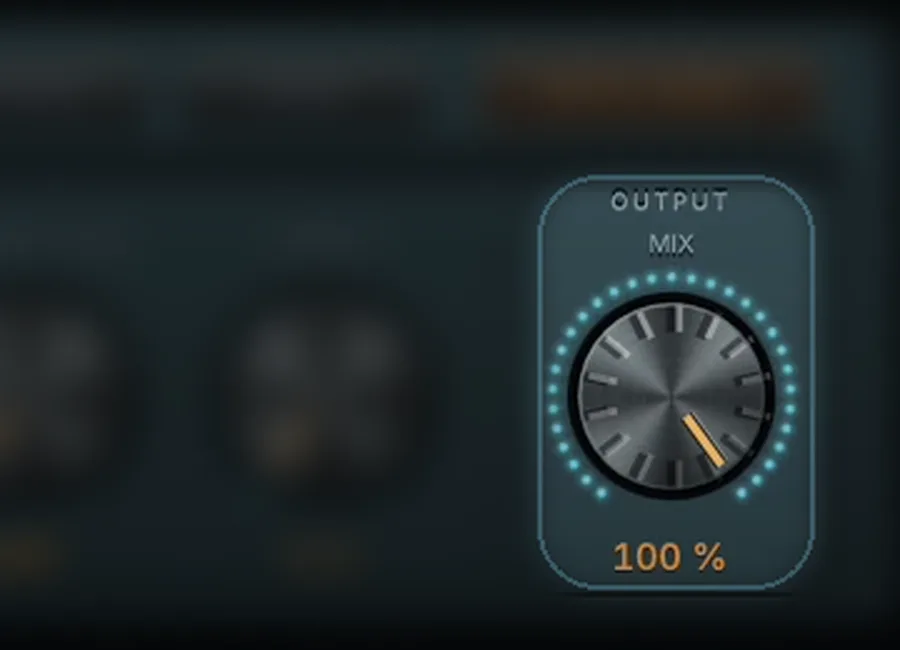
Mix sets the balance between the original input and the stretched sound. At 100 % you hear only the stretch, and at 0 only the input. Somewhere in between, the source stays recognisable while the texture grows underneath it.
6. Add space, rhythm and echo
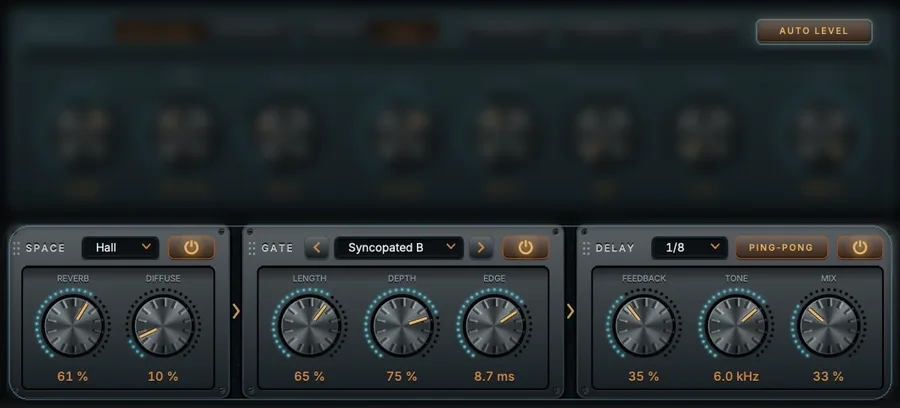
Three effects sit after the stretch: Space is a convolution reverb, Gate is a tempo-synced rhythmic gate with 28 patterns, and Delay is tempo-synced with 11 times and a ping-pong option. All three start off. Drag them into any of 6 orders, and the audio runs through them in that order.
A stretched sound is usually quieter than what went in. Auto Level is on when LINTEL opens and keeps the result near the loudness of what you captured, so a long stretch or a big reverb does not leave you chasing the output knob.
7. Get the sound out
Record the result onto another track in your DAW. Or use Drag Audio: press it and drag onto a track, and the last 8, 16 or 32 seconds come out as a WAV clip.